
SaveMe
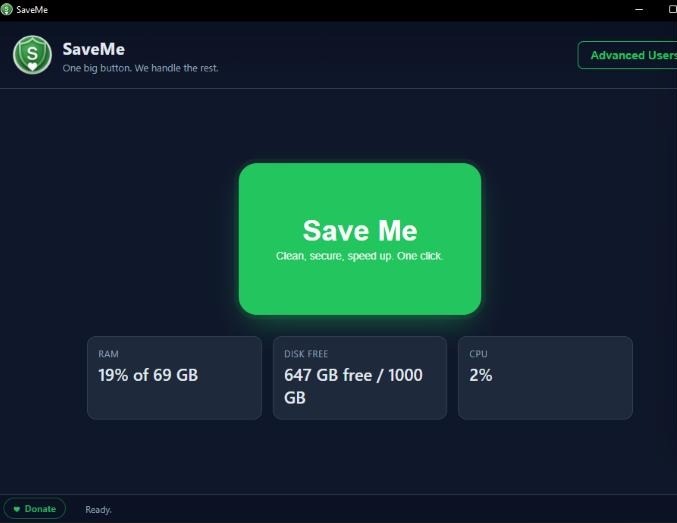
SaveMe is a free Windows cleanup app for people who do not want a computer lesson. One big button runs the safe cleanup pass, shows what it freed, and keeps the advanced stuff tucked away until it is needed.
Download SaveMe 1.0.0
Installer
For normal users who want a Start Menu shortcut and uninstaller. About 76 MB.
Portable
For users who want to run SaveMe without installing anything. About 76 MB.
Built for the safe path first.
The home screen stays simple on purpose: press Save Me, let the safe cleanup run, and get a clear result. People who know what they are doing can open Advanced Users for the sharper tools.
What's inside?
820 x 620 px fixed modal with a dark green #166534 header, white content area, and tabs for Cleanup, Security, Performance, Logs, and Bloat Remover.
A 12-item Windows app removal list with SAFE and RISKY tags, search, multi-select checkboxes, and a Remove Selected action.
Risky items use a double-confirm modal with a red warning state and an explicit responsibility checkbox before anything destructive runs.
Built on Electron 31 and electron-builder 24 with plain HTML, CSS, and JavaScript. Ships as both an NSIS installer and a portable executable.